
The Everyday Challenge of Special Education Paperwork
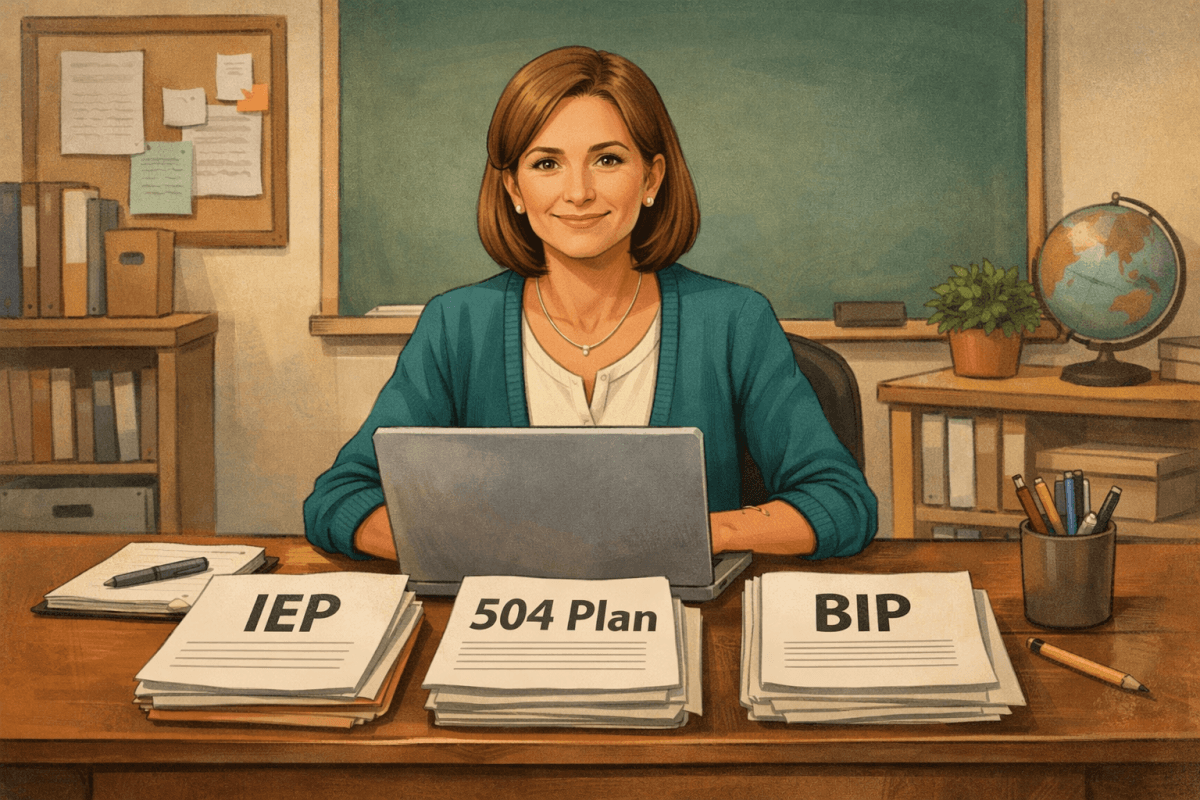
If you’re a special education teacher or support staff member, you don’t need me to tell you how much time goes into paperwork. On average, special education teachers spend over 5 hours each week drafting and revising documents like IEPs, 504 Plans, and Behavior Intervention Plans (BIPs). And let's be honest—most of us didn’t become educators because we love filling out forms.
But these documents are critical. They ensure our students with disabilities receive the support they deserve and make progress in their educational journeys. So, how can we make this essential work less time-consuming and more streamlined?
Enter PlanSpark’s Special Education Document Generator, which has recently been upgraded to support all three key document types: IEPs, 504 Plans, and BIPs. This isn’t just a tweak to the tool—it’s a game-changer for teachers juggling multiple roles and student needs.
Introducing the Special Education Document Suite
The newly expanded tool is designed to simplify your workload by allowing you to generate IEPs, 504 Plans, and Behavior Intervention Plans from one unified platform. Here’s how it works:
- IEP Goals & Accommodations: Generate SMART goals, accommodations, and progress monitoring suggestions tailored to individual student needs.
- 504 Plans: Create detailed accommodation plans for students with disabilities or medical conditions who need equal access but not specialized instruction. The form includes fields for the disability/condition, its impact on learning, and areas requiring accommodation.
- Behavior Intervention Plans (BIP): Develop evidence-based intervention plans by outlining the target behavior, its description, antecedents/triggers, and current interventions.
Best of all, the tool is dynamic. When you select a document type from the dropdown menu, the form adapts to show only the relevant fields for that specific plan. This means no more sifting through irrelevant sections or starting from scratch each time. And because all three document types share common student information, you’ll have a consistent starting point even when creating multiple plans for the same student.
Why This Matters for Teachers
We all know the feeling of being buried under a mountain of paperwork, scrambling to meet deadlines while also trying to focus on actual teaching. This is especially true in special education, where documentation requirements can feel endless. The Special Education Document Generator addresses this pain point by drastically reducing the time it takes to draft these critical documents.
For example, instead of spending hours crafting SMART goals or identifying accommodations from scratch, you can use PlanSpark’s Special Education tools to get a head start with pre-suggested language and customized options. The time saved means more opportunities to focus on what matters most: your students.
How the Special Education Document Suite Works
Using the new tool is simple and intuitive. Here's a step-by-step guide to help you get started:
- Choose Your Document Type: Log in to PlanSpark and navigate to the Special Education Document Generator. From the dropdown menu, select whether you’re creating an IEP, 504 Plan, or BIP.
- Fill in Student Information: Enter the student’s name, grade level, and other baseline information. If the student already has a profile in PlanSpark, their details will auto-populate for you.
- Complete the Relevant Fields: Depending on your document type, you’ll see fields tailored to that plan. For example, if you’re creating a BIP, you’ll be prompted to describe the target behavior and its antecedents. If it’s a 504 Plan, you’ll outline the specific accommodations needed.
- Save and Edit: Once you’ve filled out the form, you can save your draft, make edits, or generate a polished document ready for sharing with your team or families.
Plus, if you’re already using PlanSpark’s Student Feedback tool or Lesson Plan Generator, you’ll appreciate how seamlessly everything integrates. All the tools are designed to work together, so you’re never duplicating effort.
A Tool Designed with Teachers in Mind
What sets PlanSpark apart is its focus on teacher usability. We know you don’t have hours to spare learning a new system, so the interface is clean, intuitive, and designed to guide you through each step. Here’s what teachers are loving about this new tool:
- Time Savings: Most users report cutting their paperwork time in half when using PlanSpark's Special Education Suite.
- Consistency: With shared student information across document types, you can ensure alignment between IEPs, 504 Plans, and BIPs.
- Professional Polish: The generated documents are formatted and written in clear, professional language, helping you communicate effectively with families and administrators.
Free During the 7-Day Trial
If you’re hesitant to try yet another tool, here’s the good news: PlanSpark’s Special Education Document Generator is free to use during the 7-day trial period. This gives you a chance to explore its features and see the difference it can make in your daily workflow. Once you experience the time savings, we think you’ll wonder how you ever managed without it.
Part of a Comprehensive Suite
With the addition of 504 Plans and BIPs, PlanSpark's 12 integrated tools provide even more support for every aspect of K-12 teaching. Whether you’re creating lesson plans, providing student feedback, or tackling special education documentation, PlanSpark has you covered.
This holistic approach makes PlanSpark a competitive alternative to other platforms like MagicSchool. By offering everything in one place, we’re helping teachers save time, reduce stress, and focus on what they do best: teaching.
Your Next Step
Ready to transform the way you handle special education paperwork? Visit the Special Education Document Generator today and see how easy it can be to create professional, polished IEPs, 504 Plans, and BIPs. Whether you’re a seasoned special education teacher or new to the field, this tool is designed to meet you where you are and help you succeed.
Let’s spend less time on paperwork and more time making a difference for our students. You’ve got this—and PlanSpark has your back every step of the way.