
IEP Goals Don’t Have to Be Overwhelming
Let’s be honest: writing IEP goals can feel like climbing a mountain. Whether you’re a special education teacher fine-tuning a dozen individualized plans or a general ed teacher writing your very first IEP goal, the process can be daunting. From analyzing data to aligning goals with standards to ensuring they’re SMART (Specific, Measurable, Achievable, Relevant, and Time-bound), it’s no wonder so many of us feel overwhelmed during IEP season.
But what if I told you there’s a way to simplify the process? Using tools like PlanSpark’s IEP Goal Generator, you can create personalized, SMART goals in minutes. Let’s break it down step by step — because we all deserve a little less stress, right?
What Are SMART IEP Goals?
SMART is a framework that ensures your IEP goals are clear, actionable, and effective. Here’s a quick refresher:
- Specific: The goal is clear and focused on a particular skill or behavior.
- Measurable: The goal includes criteria to track progress and determine success.
- Achievable: The goal is realistic for the student’s abilities and timeframe.
- Relevant: The goal aligns with the student’s unique needs and priorities.
- Time-bound: The goal includes a specific timeline for achievement.
For example, instead of writing a vague goal like, “Improve reading skills,” a SMART goal might say, “By the end of the second quarter, John will increase his reading fluency to 90 words per minute on a grade-level passage as measured by weekly progress monitoring.” See the difference? It’s clear, trackable, and achievable within a specific timeframe.
How PlanSpark’s IEP Goal Generator Works
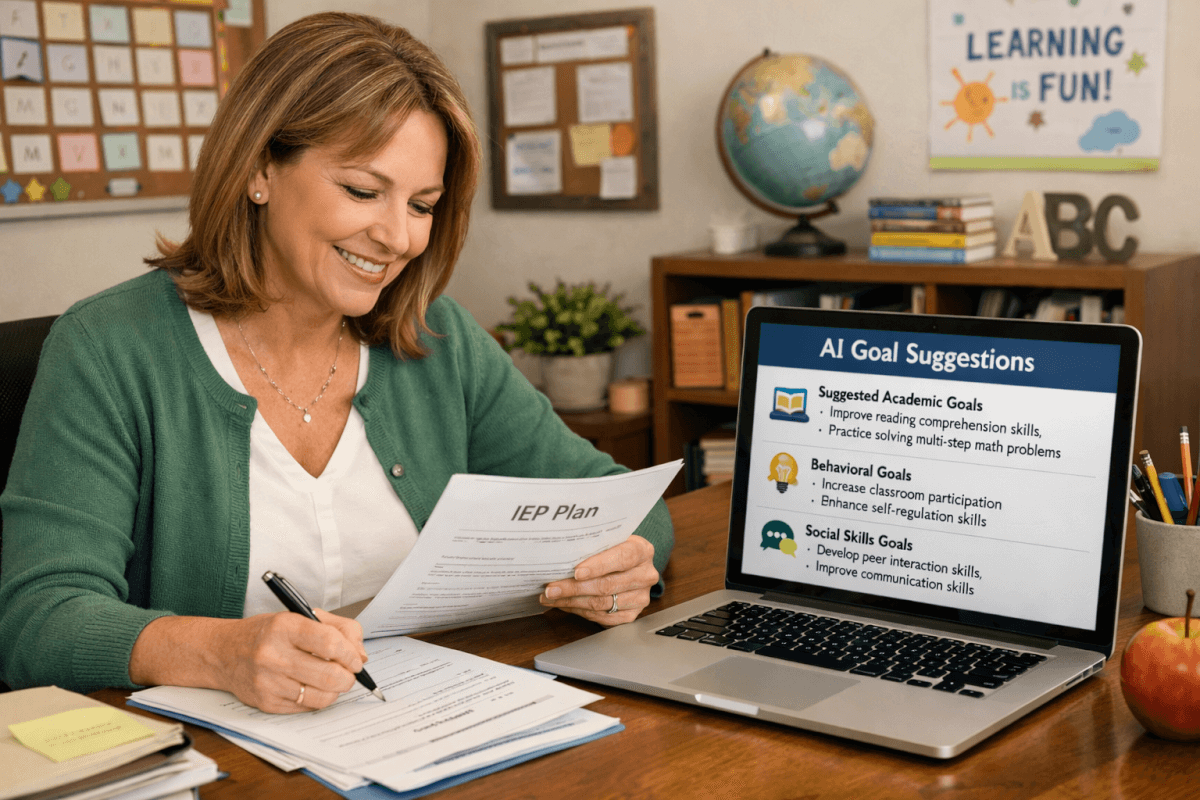
Now, let’s talk about how AI can make this process faster and easier. PlanSpark’s IEP Goal Generator uses information you provide — like the student’s current performance levels, areas of need, and target skills — to generate tailored SMART goals. Here’s how it works:
- Input Student Data: Enter details about the student, including areas of focus (e.g., reading comprehension, math fluency, social-emotional skills).
- Select the Goal Type: Choose from academic, behavioral, or social-emotional categories.
- Generate and Customize: The AI suggests SMART goals based on the data you’ve entered. You can edit and refine the goals to fit your student’s unique needs.
Think of the generator as your co-teacher, helping you get started while leaving room for your professional judgment and expertise. Let’s look at some examples.
Examples of SMART IEP Goals
Reading Fluency Goal
Student Profile: Jane is a third grader with a specific learning disability in reading. Her current fluency rate is 50 words per minute (wpm).
Goal: By the end of the school year, Jane will read 100 words per minute on a third-grade level passage with 95% accuracy, as measured by weekly one-minute fluency probes.
How AI Helps: The generator suggests goals based on Jane’s grade level and current performance, ensuring the target is both achievable and aligned with her needs.
Math Computation Goal
Student Profile: Carlos is a fifth grader with ADHD who struggles with basic multiplication facts.
Goal: By March 15, Carlos will solve 20 single-digit multiplication problems within two minutes with 90% accuracy, as measured by weekly timed assessments.
How AI Helps: The AI accounts for Carlos’s strengths and challenges, generating a goal that’s attainable within the specified timeframe.
Behavioral Goal
Student Profile: Mia is a second grader with autism who has difficulty transitioning between activities.
Goal: By December, Mia will independently transition between classroom activities within two minutes on 4 out of 5 occasions, as observed and recorded by her teacher.
How AI Helps: The generator incorporates behavioral data, offering a goal that is both measurable and practical for daily classroom routines.
Social-Emotional Goal
Student Profile: Ethan is a seventh grader with an emotional disturbance who struggles to express frustration appropriately.
Goal: By May, Ethan will use a self-regulation strategy (e.g., deep breathing or requesting a break) to manage frustration in 4 out of 5 observed instances, as documented by teacher notes.
How AI Helps: The tool provides a starting point for creating goals that promote self-regulation, a critical skill for Ethan’s success.
Beyond Goals: Making the IEP Process Manageable
Writing goals is just one piece of the IEP puzzle. Tools like PlanSpark can also support other parts of the process:
- Generate assessments to gather meaningful data for IEP development.
- Create lesson plans aligned with IEP goals.
- Provide targeted feedback to track progress and guide instruction.
By leveraging these tools, we can focus more on what matters most — supporting our students — and spend less time buried in paperwork.
Tips for Customizing AI-Generated Goals
While AI can be a game-changer, remember that it’s only a starting point. Here are some tips for making the most of AI-generated IEP goals:
- Collaborate with the IEP Team: Share the draft goals with your team to ensure they align with everyone’s input.
- Consider the Whole Child: Balance academic, behavioral, and social-emotional goals to support comprehensive growth.
- Monitor and Adjust: Use progress monitoring data to refine goals as needed throughout the year.
You’ve Got This!
IEP season may always come with its challenges, but with tools like PlanSpark’s IEP Goal Generator and a clear understanding of the SMART framework, we can make the process faster, easier, and more effective for our students. Remember, you’re not alone in this — we’re all in it together, doing the best we can for the kids who need us most.
Ready to see how AI can transform your IEP process? Sign up for a free trial and take the first step toward stress-free goal writing!