
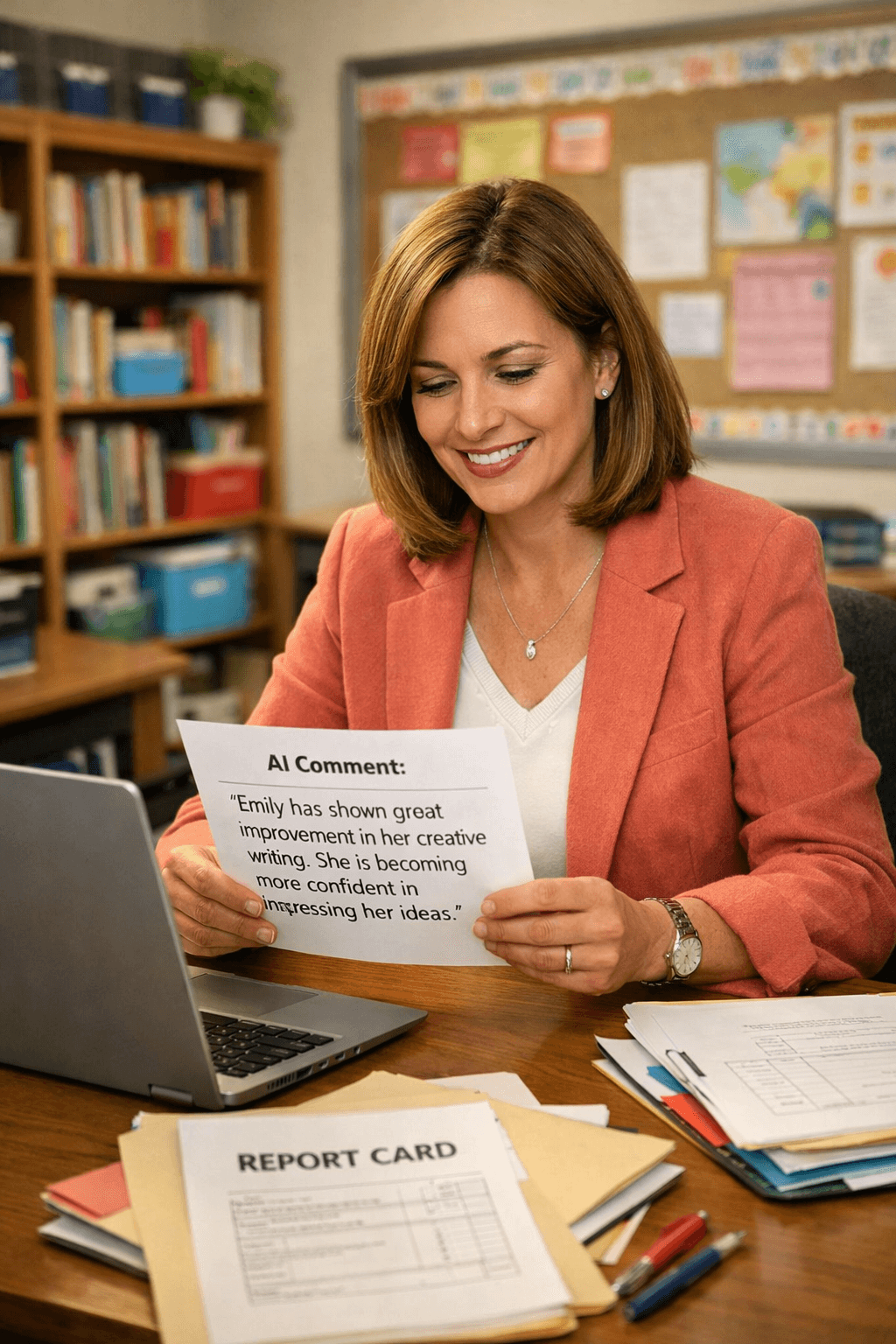
Why Writing Report Card Comments Feels Overwhelming
Ah, report card season. If you're anything like me, you stare at your to-do list, mentally calculating how many hours it'll take to craft meaningful, individualized comments for every single student. For a class of 25 or more, that math is daunting! And let’s be honest—generic comments like, “Johnny is doing well in class,” don’t cut it anymore. Parents want insights, and we want to deliver them, but where do we find the time?
Here’s the good news: tools like AI-powered feedback generators can take the heavy lifting out of the process, allowing us to focus on the personal touches that make our comments truly meaningful. Let’s dive into how we can use resources like PlanSpark’s student feedback generator to write comments that parents actually value while saving hours of time.
What Makes a Great Report Card Comment?
Before we talk about tools, let’s define what makes a report card comment stand out. It’s more than just summarizing a student’s grades or behavior. Great comments have four key qualities:
- Specific: Avoid vague statements. Instead, provide details about the student’s strengths and areas for growth.
- Growth-Focused: Highlight progress, not just performance. Parents want to know how their child is improving.
- Actionable: Offer suggestions for how parents can support their child’s learning at home.
- Positive-but-Honest: Strike a balance between celebrating successes and addressing challenges constructively.
Here’s an example:
Generic comment: "Mia is doing well in reading."
Specific, growth-focused comment: "Mia has improved her reading fluency this semester and is now reading 90 words per minute. She would benefit from continued practice with decoding multisyllabic words at home. Consider using flashcards or reading apps to support this growth."
How AI Can Help You Write Better Comments Faster
Let’s address the elephant in the room: many of us worry that AI tools might make our report card comments feel impersonal. But the truth is, these tools can provide a strong starting point, allowing us to focus on adding the personalized touches that only we, as teachers, can provide. Here’s how AI can transform your report card process:
1. Start with a Data-Driven Foundation
AI tools like PlanSpark’s student feedback generator use the performance data you input—such as assessment results, participation, and classwork—to generate comments that reflect each student’s unique journey. For example, if you’ve used PlanSpark’s assessment generator to track progress, those insights can directly inform the comments.
2. Save Hours on Drafting
Instead of staring at a blank screen, you can start with AI-generated comments tailored to each student. These comments are customizable, so you can tweak them to match your voice and add personal anecdotes. Here’s a before-and-after example:
Before AI: "Jake is doing okay in math."
AI-generated comment: "Jake has shown consistent growth in his understanding of fractions, moving from 60% accuracy on assessments to 85% by the end of the semester. He demonstrates perseverance when solving multi-step problems, though he could benefit from additional practice with word problems. Parents can support this by encouraging Jake to explain his thinking out loud as he works through math homework."
3. Make Room for the Personal Touch
Because AI handles the heavy lifting of data analysis and initial drafting, you’ll have more time to add those small, meaningful details that parents truly appreciate—like a funny anecdote from class or a reflection on the student’s unique personality.
Step-by-Step: Writing Report Card Comments with AI
Here’s a simple workflow to get started:
- Input Student Data: Gather your performance data, including grades, participation records, and notes from class discussions. Use tools like PlanSpark’s lesson plan generator to review what you’ve covered this semester.
- Generate Comments: Use PlanSpark’s feedback generator to create draft comments for each student. The tool will provide specific, actionable feedback based on the data you’ve entered.
- Personalize: Add individual anecdotes, classroom highlights, or additional insights to make the comments feel more personal.
- Communicate Clearly: Once your comments are complete, consider using PlanSpark’s email generator to craft a message that introduces parents to the report card and highlights key takeaways.
Addressing Common Concerns About AI and Report Cards
It’s natural to have reservations about using AI for something as personal as report card comments. Here are some common concerns—and how to overcome them:
“Will the comments feel impersonal?”
Not at all! AI-generated comments serve as a starting point, not a final product. Think of them as a first draft that you can refine with your unique insights and experiences.
“What if the tool gets it wrong?”
AI isn’t perfect, but it’s highly adaptable. By inputting accurate and detailed data, you can ensure the comments it generates align closely with your observations. And remember, you’re always in control—you can edit anything that doesn’t feel right.
“Isn’t using AI just cutting corners?”
Not at all! Using AI allows you to focus your energy where it matters most: connecting with parents and supporting your students’ growth. It’s about working smarter, not harder.
Take the Stress Out of Report Card Season
As teachers, our time is limited, but our commitment to our students and their families is boundless. By using tools like PlanSpark’s student feedback generator, we can write thoughtful, specific, and actionable report card comments in half the time. This isn’t about replacing your voice—it’s about amplifying it.
Ready to try it for yourself? Start your free trial today and see how much easier report card season can be.
You’ve got this. And remember, every thoughtful comment you write helps build stronger partnerships with parents and brighter futures for your students.