
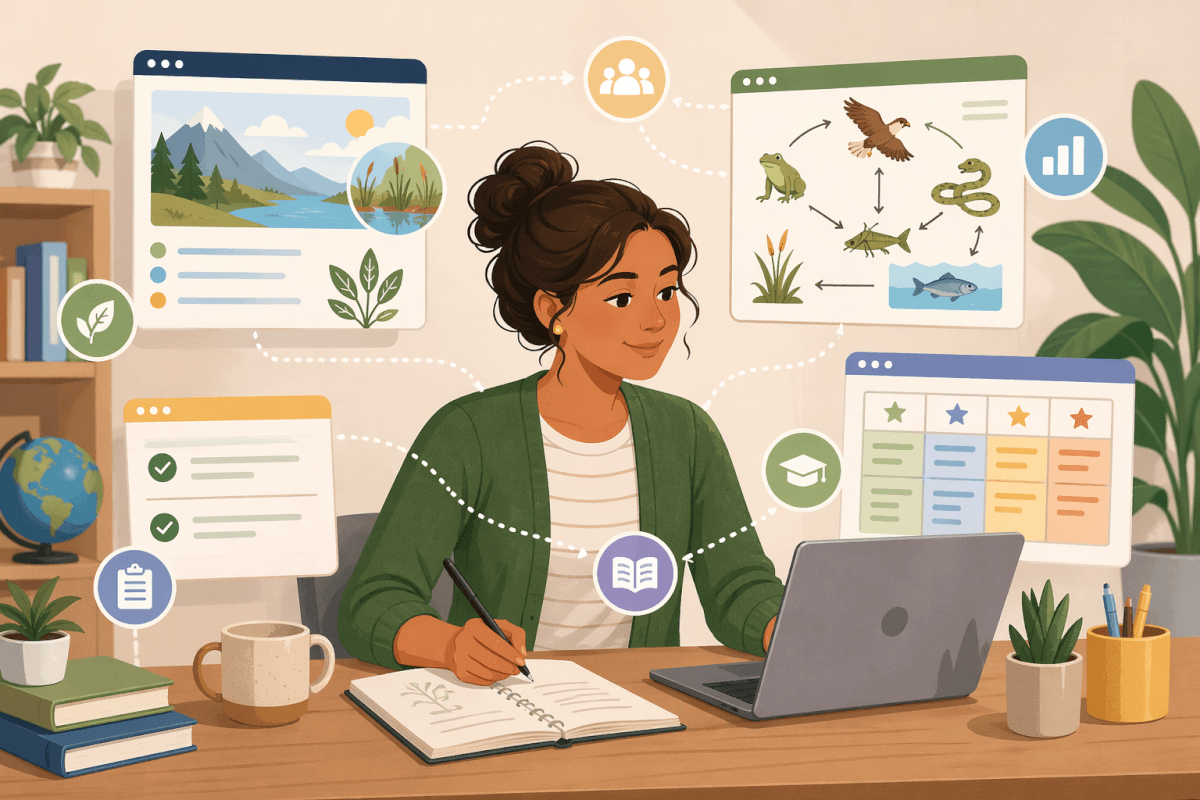
The Everyday Teacher Juggle—and Where Integrated AI Teaching Tools Fit In
If you've ever found yourself bouncing between a lesson plan generator, a separate assessment tool, a random rubric maker, and yet another app for student feedback, you're not alone. Most of us have stitched our workflow together with whatever digital scraps we could find. But lately, as integrated AI teaching tools have become more common, we’re starting to see what's been missing all along: connection.
When our tools don't talk to each other, we lose time—and worse, we lose alignment. As a result, the standard we started with becomes a little fuzzier with every click. And that’s the opposite of what any of us want. We want a clean, clear line from what we’re teaching to how students show what they know.
Today, I want to walk you through what a truly integrated workflow looks like—and why it makes such a difference. We’ll use a 5th grade science standard as our example and map the entire journey from standard to lesson plan to assessment to feedback. When integrated AI teaching tools work together, everything flows.
Why Integrated AI Teaching Tools Matter More Than Ever
Every year, our responsibilities expand—new curriculum initiatives, new intervention systems, new reporting structures. And with that comes pressure to prove alignment. That’s hard to do when your tools are separate islands.
An integrated workflow solves that problem by keeping every step linked:
- The standard drives the lesson plan.
- The lesson plan drives the assessments.
- The assessments drive the rubric.
- The rubric drives the feedback.
- And the whole process stays connected with a clear audit trail.
Instead of juggling, we’re sequencing.
Step 1: Start With the Standard (The Anchor of Everything)
Let’s use a concrete example. Imagine you're teaching 5th grade science, and your next unit focuses on ecosystems. A typical standard might read:
5-LS2-1: Develop a model to describe the movement of matter among plants, animals, decomposers, and the environment.
This is where our workflow begins. In an integrated system, we’d open the standards unpacker and break down exactly what students need to know and be able to do. When using PlanSpark’s Standards Unpacker, you get clarity on:
- Key concepts (movement of matter, decomposers, environment)
- Required skills (developing models, describing processes)
- Student-friendly language
- Typical misconceptions
- Sample look-fors
With standalone tools, this is often where the disconnection begins. The unpacked standard doesn’t travel with you. You copy/paste. You retype. You try to keep track of the details yourself.
But with integrated AI teaching tools, all of this becomes the foundation of the next step. The tool remembers. It carries the context forward.
Step 2: Generate the Lesson Plan—Built Directly From the Standard
Now we move to planning instruction. In a connected workflow, you shouldn’t have to tell the lesson plan generator what your standard is or what the key ideas include. It should already know.
When we open PlanSpark’s Lesson Plan Generator, everything from the standards unpacking step is already carried forward. The system uses that information to create a lesson plan that feels like it came from your brain—but on your best, most rested day.
For our ecosystems example, the lesson plan might include:
- A hands-on model of the food web using cards or visuals
- A collaborative sorting activity for producers, consumers, and decomposers
- Guided notes aligned to the vocabulary unpacked earlier
- Checks for understanding tied to misconceptions identified in Step 1
And here’s the important part: there’s no chance for misalignment because everything was built from the same root standard. You’re not guessing. You’re not hoping. You’re confident.
Step 3: Simulate the Lesson (Optional but Powerful)
Simulation isn’t about playing pretend—it’s about previewing how your lesson might land. Integrated AI teaching tools can generate student responses, common errors, and potential follow-up questions to help us prepare.
In the ecosystems lesson, simulation might reveal:
- Students confusing energy flow with matter movement
- Students forgetting to include decomposers in their model
- Students thinking matter “disappears” rather than cycles
And once again, because everything connects, the simulation step uses the same teaching objective and lesson structure you already approved. Nothing is invented out of thin air—it’s all based on your instructional goals.
Step 4: Generate Assessments Aligned to the Lesson (No Guesswork Required)
This is where disconnected tools fall apart the fastest. You can write the world’s clearest lesson plan, but if your assessment tool doesn’t know what you taught—or how you taught it—you end up rebuilding everything from scratch.
But when your tools are integrated, your assessment is already halfway written the moment your lesson plan is done.
With PlanSpark’s Assessment Generator, the assessment is automatically aligned to:
- The original standard
- The skills unpacked in Step 1
- The activities and checks in your lesson plan
- The anticipated misconceptions from your simulation
For our ecosystems lesson, the assessment might include:
- A diagram students annotate to show matter cycling
- A short-response question asking students to explain the role of decomposers
- A scenario-based item where students fix an incomplete model
All of it aligned. All of it connected.
Step 5: Build the Rubric—Directly From the Assessment
We’ve all used rubric tools where we end up typing the same thing over and over, trying to keep everything consistent. But with an integrated workflow, the rubric is simply the next logical step.
Using PlanSpark’s Rubric Generator, your criteria automatically reflect the skills embedded in your assessment:
- Accuracy of the model
- Completeness of explanation
- Correct use of domain vocabulary
- Understanding of matter cycling
Rubrics no longer feel like an extra task—they become a natural continuation of what you’ve already created.
Step 6: Generate Student Feedback (And Keep It Consistent)
By now, we’ve reached one of the most powerful stages: giving meaningful feedback that actually aligns to what you taught and assessed.
With PlanSpark’s Feedback Generator, your comments to students are grounded in:
- Your rubric criteria
- Your assessment items
- Your lesson plan goals
- Your unpacked standard
Imagine giving feedback like:
You correctly identified the producers and consumers in your model, but your explanation didn’t include the role of decomposers. Remember, decomposers help matter cycle by breaking down dead organisms and returning nutrients to the ecosystem. Revisit your diagram and update it to show this process.
Notice how specific and aligned it is. That’s the benefit of integrated AI teaching tools working together instead of standing apart.
What Happens When the Tools Don’t Connect?
If you’ve used a handful of teaching apps, you’ve probably felt this pain. Disconnected tools create disconnected work.
Let’s replay our ecosystems example using the old “80 tools” approach:
- You unpack the standard in one system that doesn’t save your work anywhere else.
- You generate a lesson plan in another tool that doesn’t know what you unpacked.
- You build an assessment in a different app that guesses what your lesson might include.
- You create a rubric that vaguely aligns because you’re typing everything manually.
- You give feedback that is well-intentioned but not tightly connected to the rubric or the assessment.
Nothing flows. Nothing aligns. And you’re doing triple the work.
We don’t need more tools—we need tools that work together.
How Integrated AI Teaching Tools Support Professional Judgment
Integration doesn’t replace our expertise—it elevates it. With everything connected:
- We spend less time rewriting.
- We see the alignment clearly.
- We can make better instructional decisions.
- We have a complete audit trail for administrators, IEP teams, and PLCs.
It’s not about automating the teacher—it’s about empowering us to teach with more intention.
Questions to Ask When Evaluating Any AI Teaching Tool
As more AI tools enter the education space, here’s the checklist that really matters. Whether you’re a classroom teacher, an instructional coach, or part of a curriculum team, ask:
- Do the tools connect?
- Can I trace alignment from standard to assessment?
- Does the system know what I already created?
- Does each step build on the last?
- Will the tool help me keep a clear audit trail?
- Does it reduce work—or just shift it around?
Integrated AI teaching tools should make your job easier, not more fragmented. When everything works together, you teach with more clarity, more confidence, and more impact.
One Last Word of Encouragement
We already do the hard work. AI should support—not complicate—our workflow. When your tools talk to each other, planning feels smoother, teaching feels more intentional, and your time feels respected.
If you’re evaluating AI tools this year, remember to ask the questions that matter most. Start with the standard. Look for the alignment. Choose tools that support the teacher you already are.