
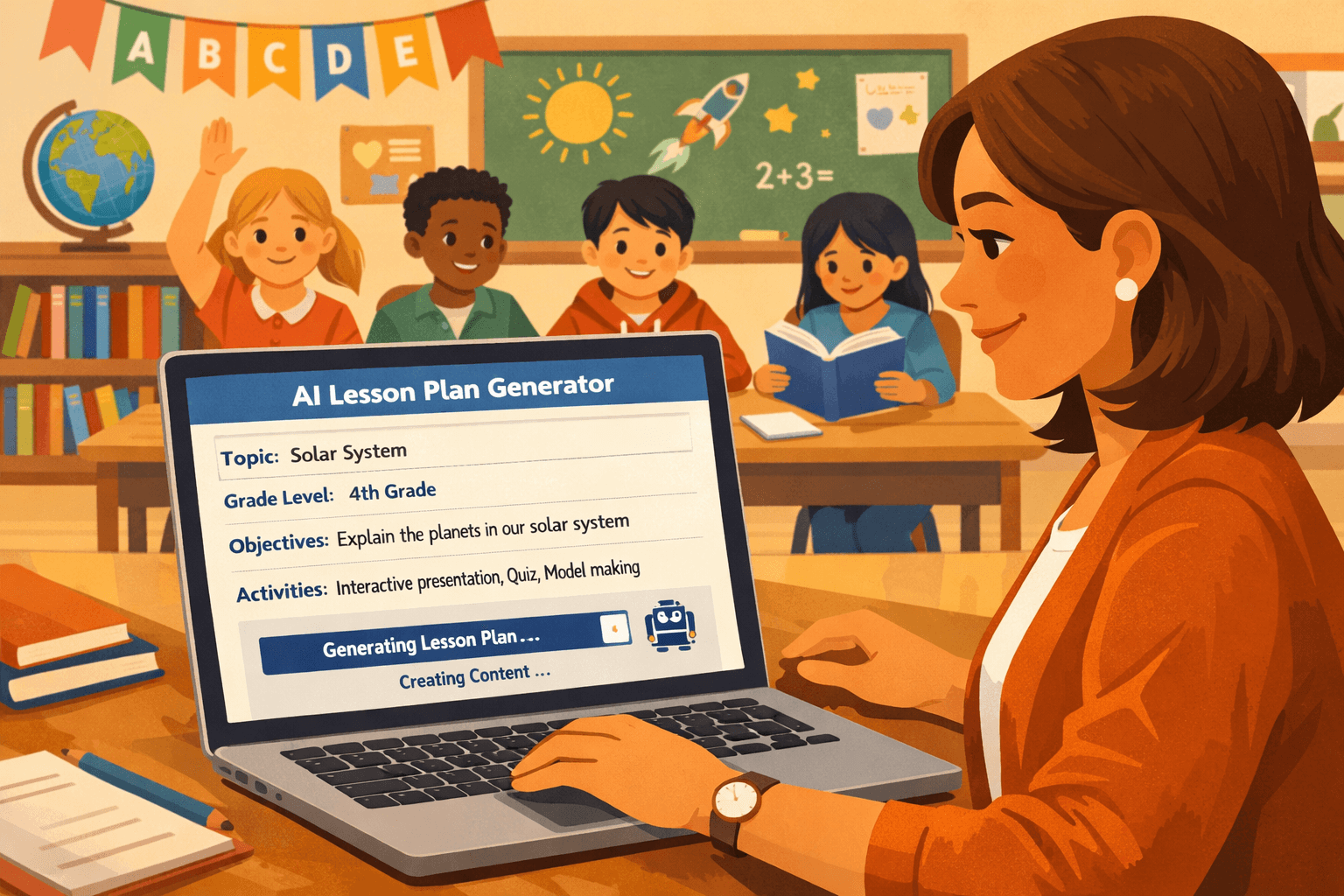
How to Create a Lesson Plan in 5 Minutes Using AI
Let’s face it: lesson planning is one of those tasks that can easily eat up hours of our time—time we’d rather spend connecting with students or recharging after a long day. But what if I told you there’s a way to create a high-quality lesson plan in under five minutes? Yes, you heard that right. With the help of an AI lesson plan generator, you can streamline your planning process without sacrificing the quality of your lessons.
In this guide, we’ll compare the traditional approach to lesson planning with the AI-assisted method, walk through the step-by-step process of using AI tools, and address common concerns about using technology in such a creative and personal task. Let’s dive in and see how you can get more of your valuable time back.
The Traditional Way: 30-60 Minutes Per Lesson Plan
We’ve all been there: sitting at our desks after hours, staring at a blank template, and trying to align our lesson with the standards, learning objectives, and student needs. Here’s what the typical lesson planning process often looks like:
- Review the standards and learning objectives for your subject and grade level.
- Come up with an engaging hook or introduction to capture your students’ attention.
- Plan activities that align with the objectives, ensuring differentiation for varied learning levels.
- Find or create resources like worksheets, reading passages, or multimedia.
- Develop assessments to measure understanding.
- Organize it all into a cohesive format you can follow during class.
Depending on the complexity of the topic, this can take anywhere from 30 minutes to an hour—or longer if you’re creating your own materials from scratch.
The AI-Assisted Way: A Lesson Plan in Under 5 Minutes
Now, let’s talk about how an AI lesson plan generator can simplify this process. With tools like PlanSpark’s Lesson Plan Generator, you can create a detailed, standards-aligned lesson plan in just a few clicks. Here’s how it works:
Step 1: Start with a Standard
The first step in any lesson plan is identifying the standard or learning objective you want to address. Instead of sifting through lengthy documents, you can use an AI tool like PlanSpark’s Standards Unpacker to quickly break down the standard into manageable parts. This gives you a clear focus for your lesson.
Step 2: Generate a Standards-Aligned Lesson Plan
Next, head over to the Lesson Plan Generator. Input details like the standard, grade level, subject, and any specific goals or challenges your students might have. The more specific you are, the better the output will be. For example, instead of just saying “fractions,” try “introduce equivalent fractions to 4th graders using visual aids.”
Within seconds, the tool will provide a draft lesson plan that includes:
- An engaging introduction or hook
- Step-by-step activities that build understanding
- Suggested materials and resources
- Assessment ideas to measure learning
Step 3: Customize to Fit Your Classroom
While the AI gives you a solid starting point, it’s important to make the lesson your own. For example:
- Adapt activities to match your students’ interests and ability levels.
- Incorporate any specific classroom routines or technology tools you already use.
- Add your unique teaching voice and style.
This step ensures the lesson feels authentic and tailored to your students, rather than a one-size-fits-all solution.
Step 4: Generate Supporting Resources
Need a worksheet, a formative assessment, or some text-dependent questions? You don’t have to scour the internet for hours. Tools like PlanSpark’s Worksheet Generator and Assessment Creator can quickly create resources that match your lesson goals. Want to challenge your students with critical thinking? Check out the Text-Dependent Questions feature.
Step 5: Simulate and Refine
Once your plan and materials are ready, take a moment to mentally rehearse how the lesson will flow. Are there any transitions that might be tricky? Do you need to add more scaffolding or extensions? Spending just a couple of minutes here can make all the difference.
Tips for Getting the Best AI-Generated Lesson Plans
To make the most of an AI lesson plan generator, keep these tips in mind:
- Be specific: The more detail you provide about your objectives, grade level, and class dynamics, the better the AI can tailor the lesson to your needs.
- Include context: Let the AI know about any special considerations, like students with IEPs or specific classroom challenges.
- Set a time frame: If your lesson needs to fit within a 30-minute block, include that information so the activities are appropriately paced.
- Edit and personalize: Remember, the AI is a tool, not a replacement for your expertise. Use the generated plan as a foundation, then make it your own.
Addressing Common Concerns About AI in Lesson Planning
It’s natural to have some reservations about using AI for something as personal and creative as lesson planning. Here are a few common concerns—and how to think about them:
“Won’t this make all lessons generic?”
Not at all. Think of the AI-generated plan as a scaffold you build on. You’re still in control of customizing it to fit your students’ unique needs and your teaching style.
“What about standards alignment?”
One of the biggest advantages of AI tools is their ability to align lessons with standards. By starting with a standard and using tools like the Standards Unpacker, you can ensure your lesson plan stays on track.
“Does this mean less creativity in teaching?”
Actually, it’s the opposite. By freeing up your time, AI gives you more room to focus on creative teaching strategies, hands-on activities, and meaningful student interactions.
Reclaiming Your Time for What Matters Most
At the end of the day, the goal of using an AI lesson plan generator isn’t to replace you—it’s to support you. By saving time on planning, you can focus more on what truly matters: building relationships with your students, fostering a love for learning, and bringing your unique spark to the classroom.
If you’re ready to give it a try, why not start with a free trial of PlanSpark? With tools for lesson plans, assessments, worksheets, and more, you’ll wonder how you ever managed without it.
You’ve got this—and now, you’ve got the tools to make it all a little easier. Let’s get planning!